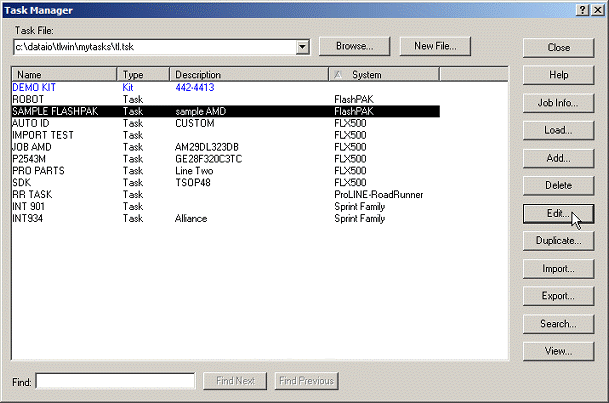
The Edit button becomes available when a task is selected in the Task Manager window.
To edit an existing Task:
On Task Manager, select your target Task and click Edit:
The Edit button becomes available when a task is selected in the Task Manager window.
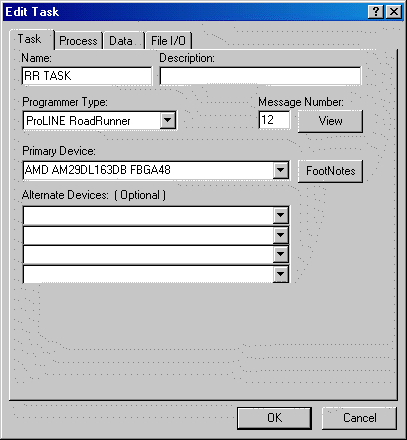
The Edit Task window. (ProLINE-RoadRunner has been set as the Programming System in this graphic. Your window may look different and have different tabs.)
On the Task tab, you can edit any fields desirable. The Programmer Type will be limited to the TaskLink software support that you have installed.
You can also edit your selections on other available tabs as well.
===